Enter the url of the awards program
Submissions open
Wednesday, 7 October 2026

Submit an entry
Submissions open Wednesday, 7 October 2026 and close Friday, 6 November 2026. Entering is the only way to be considered — finalists are drawn exclusively from lodged submissions.
Key dates
Submissions open
Wednesday, 7 October 2026
Nominations close
Friday, 6 November 2026
Submissions close
Friday, 6 November 2026
Finalists announced
Tuesday, 17 November 2026
How to enter
Review the categories and shortlist the ones where your evidence is strongest. Many entrants enter both an individual and a business category.
Bring together 12 months of results, client outcomes, references and supporting material. Judges score evidence, not adjectives.
Answer the published criteria directly, in order, and support every claim with clear metrics and examples.
The portal closes at 11:59pm AEDT on Friday, 6 November 2026. Late submissions cannot be assessed.
Platform walkthrough
Enter the url of the awards program
Click the Submit Now button (on the right hand corner or just further down the page)
If you don’t have an account, you can create one by filling out the fields in the Register section.
If you have an account, go to the Log In section, and fill in your email address and password
If you have forgotten your password, click the Forgot Password link in the Log In section and follow the prompts to reset your password.

Once you log into the platform, click on the Entries drop down menu on the left hand side of your screen, and click on My Entries
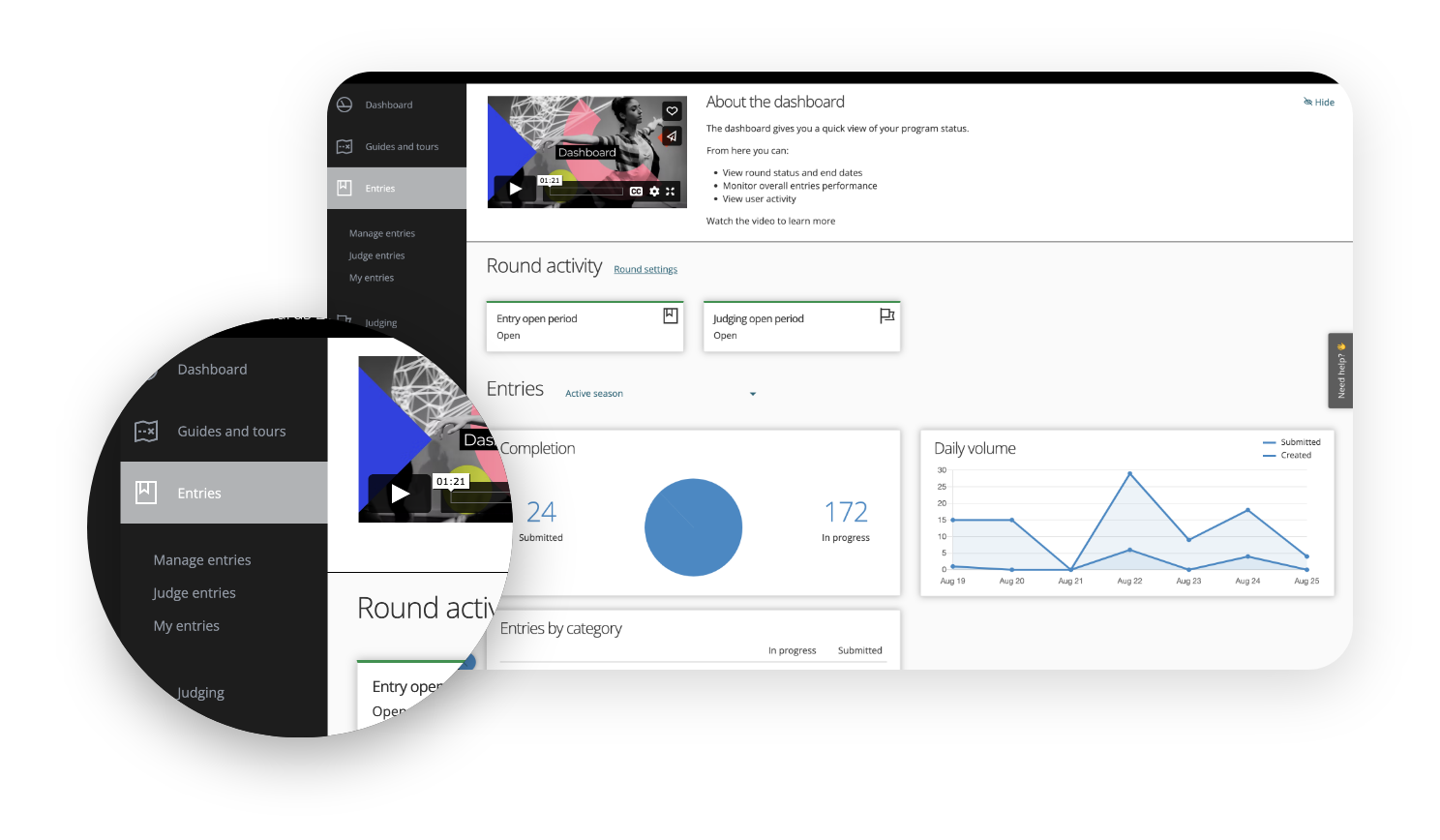

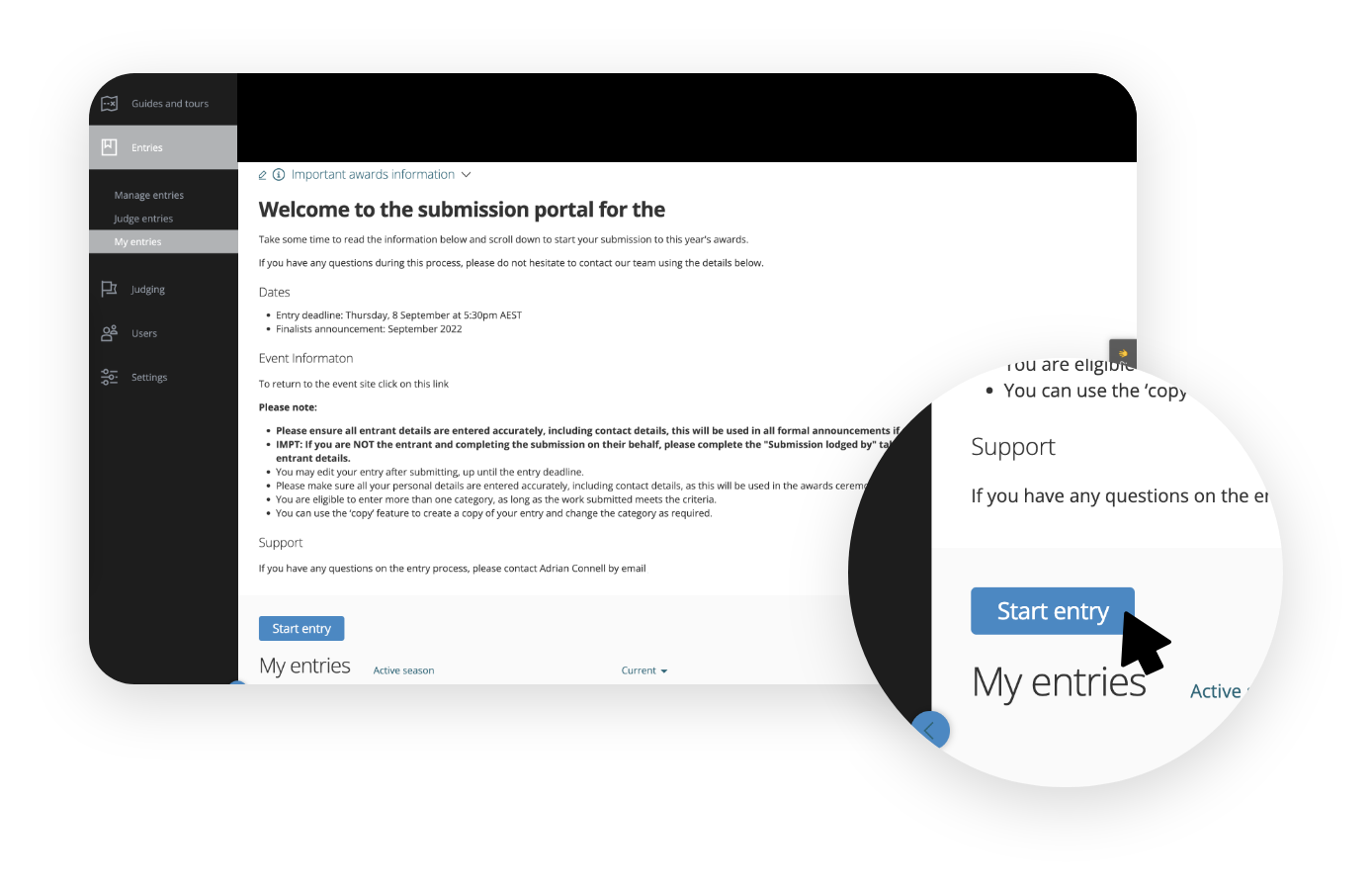
To create an entry, click the Start New Entry button on this page. If you have created an entry before, this button will read Start Entry instead
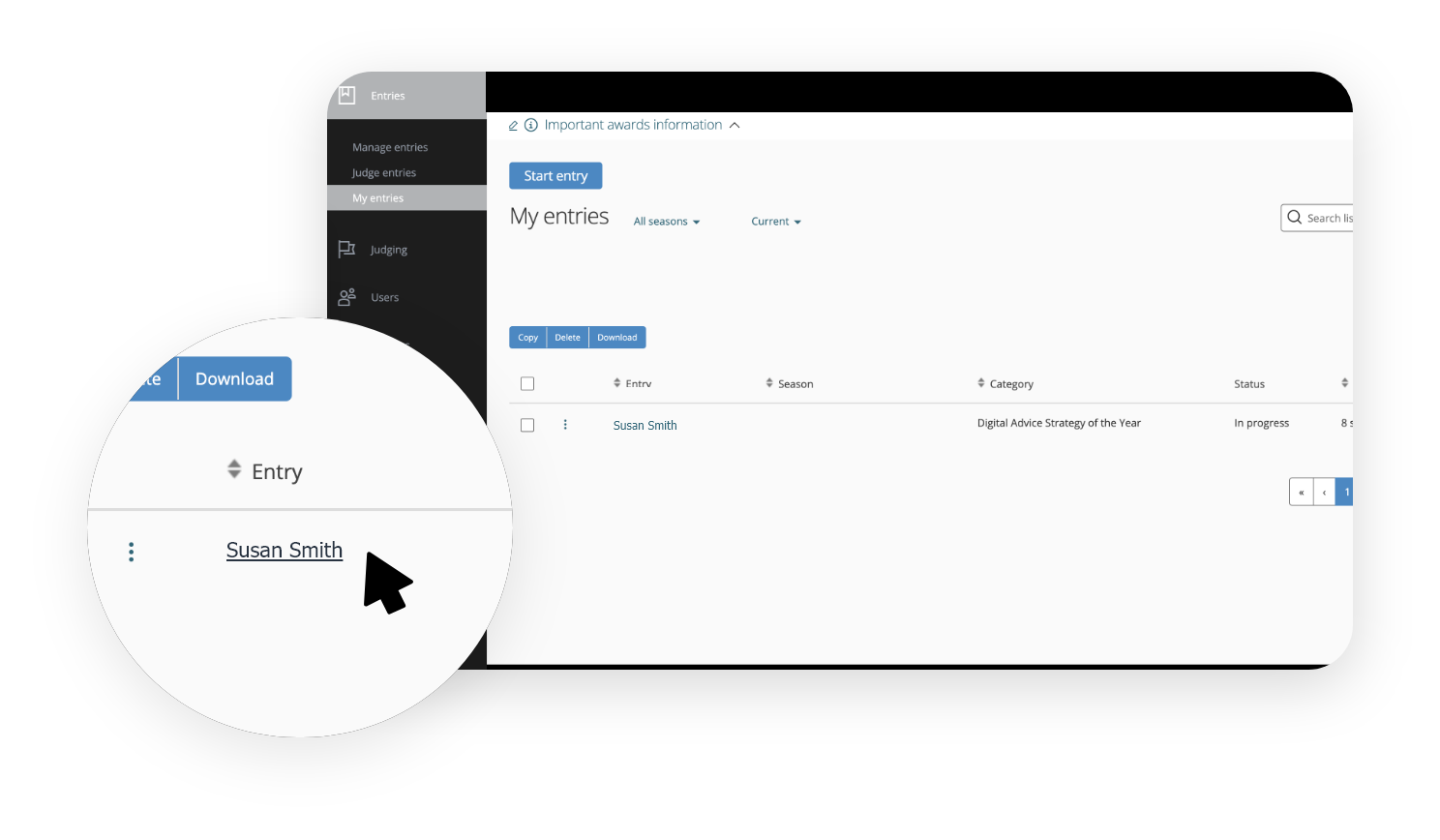
You can update an existing entry by clicking on Entry > My Entries, scrolling down, and clicking on your name….
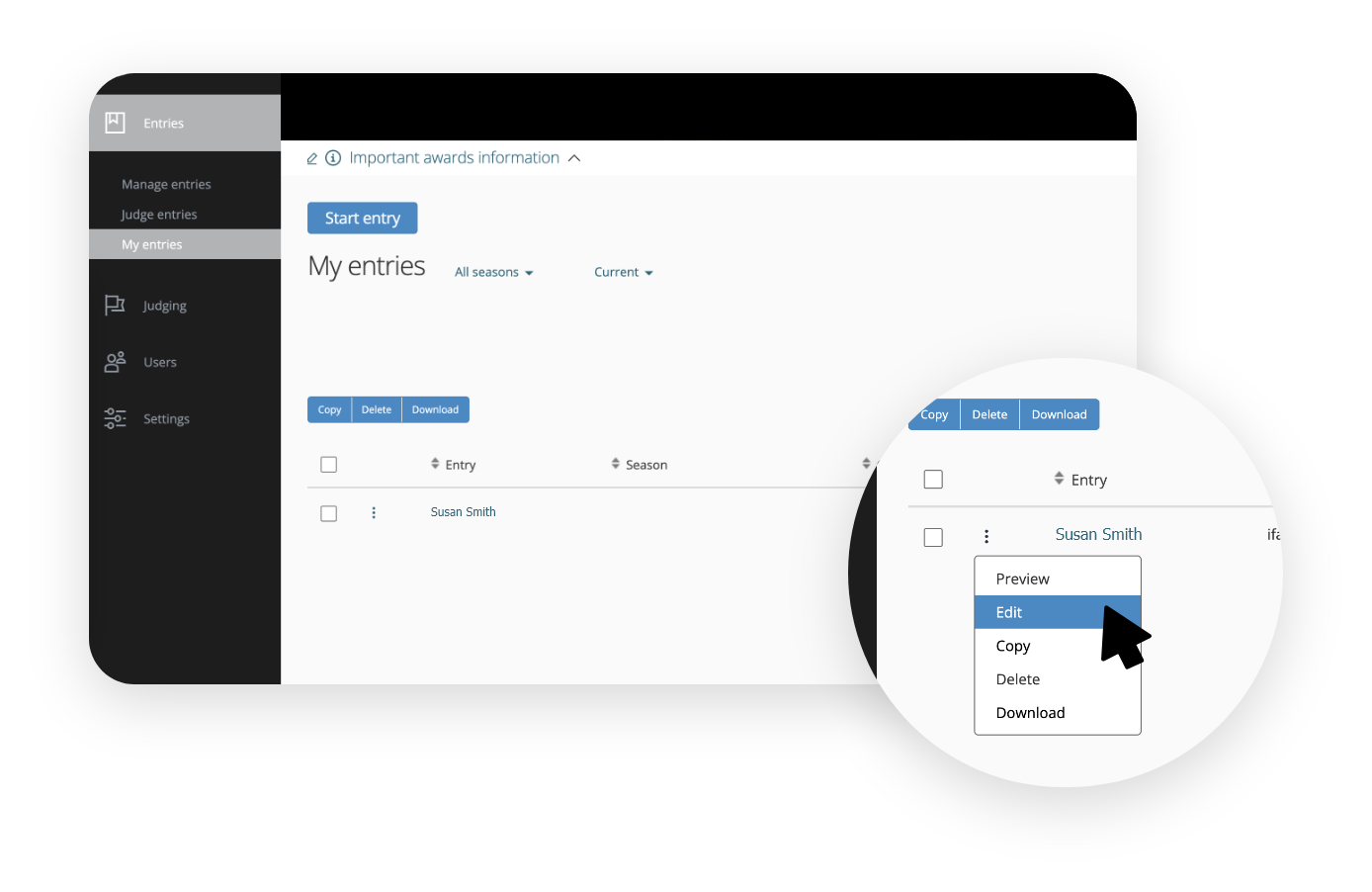
clicking on the three dots next to your name and clicking on Edit
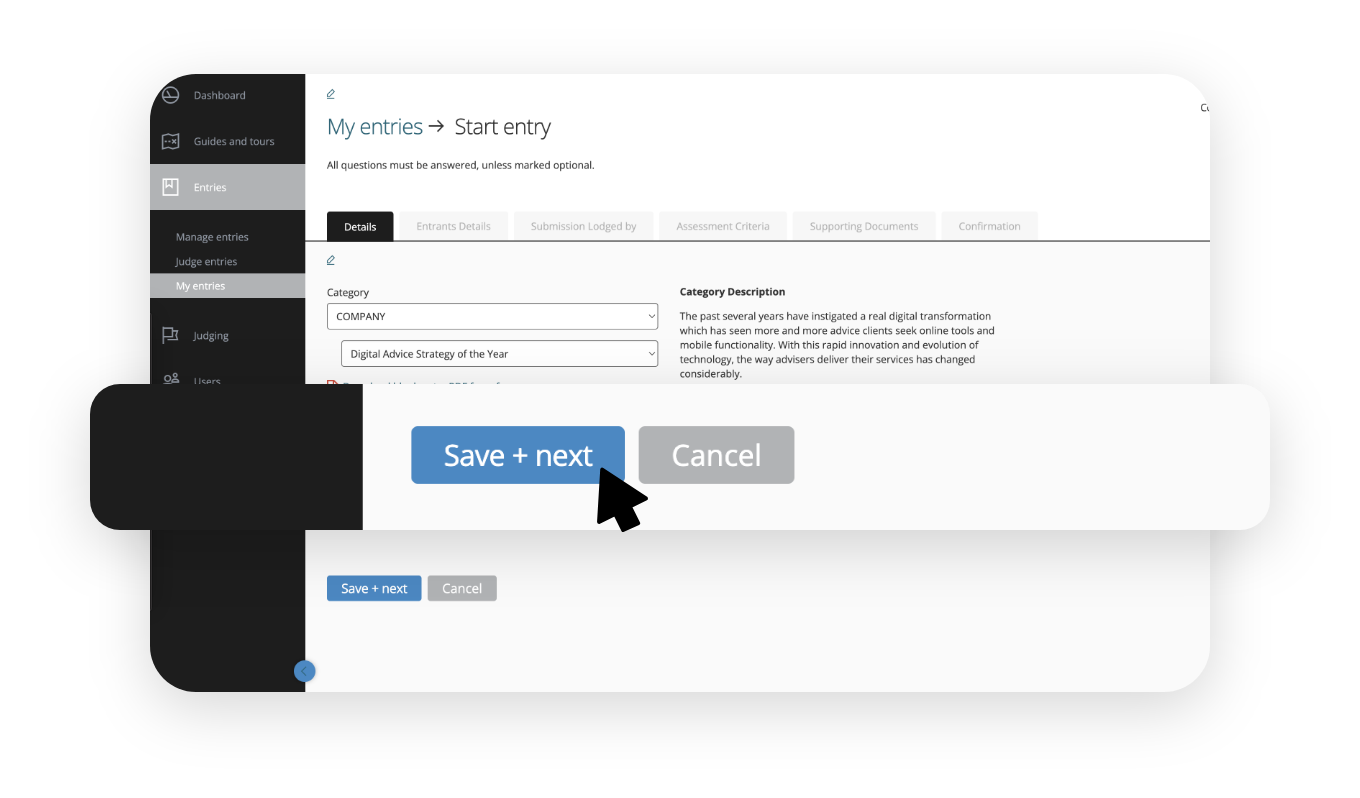
To submit an entry, fill all the fields across the different tabs and provide answers to the questions.
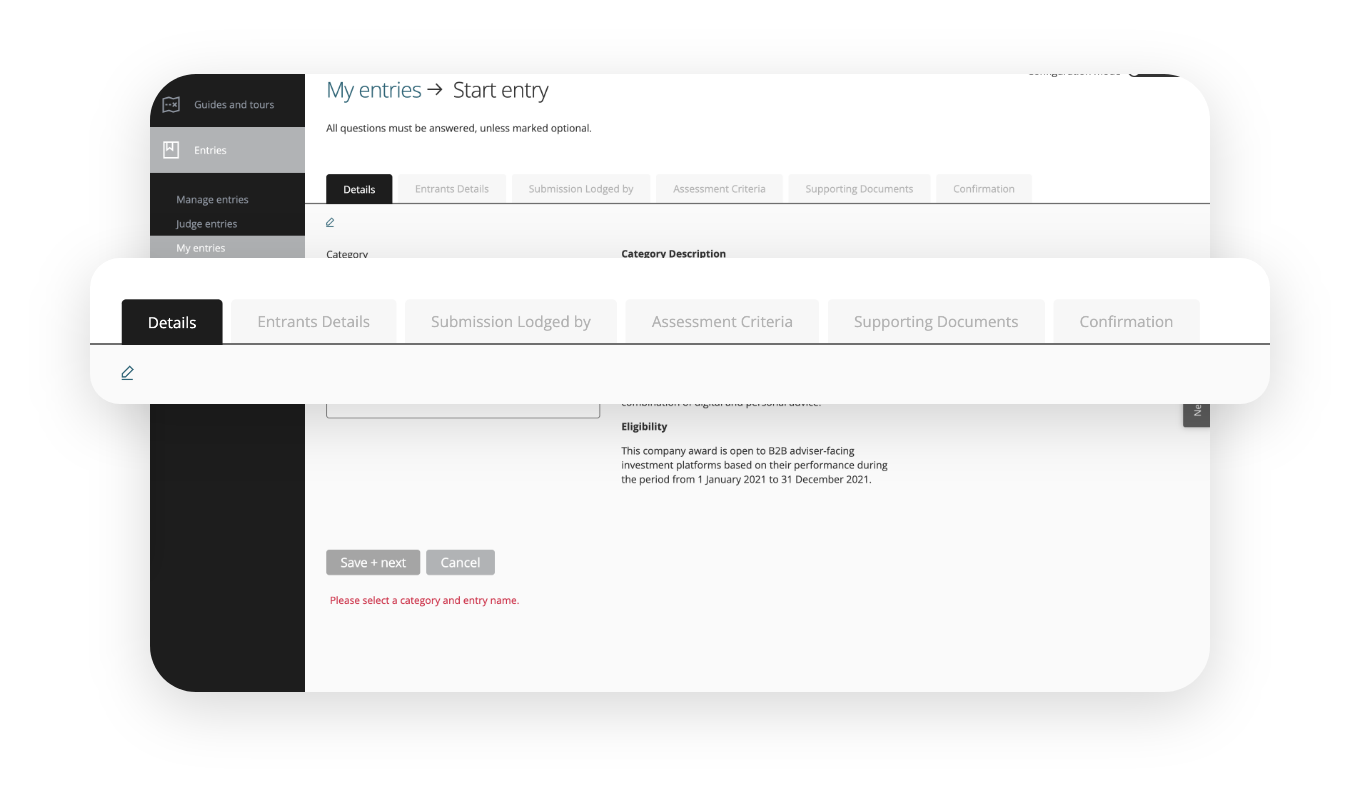
Once completed, click on the Submit Entry button (visible in any of the tabs shown above)
Open categories
Auctioneer of the Year
BDM of the Year – Property Management
Buyer's Agent of the Year
Industry Thought Leader of the Year
Innovator of the Year – Individual
Marketing Professional of the Year
Mentor of the Year
Office Administrator of the Year
Operations Manager of the Year
Principal of the Year – Metropolitan
Principal of the Year – Regional
Property Manager of the Year – Metropolitan
Property Manager of the Year – Regional
Residential Mortgage Broker of the Year
Rising Star of the Year
Sales Agent of the Year – Metropolitan
Sales Agent of the Year – Regional
Sales Campaign of the Year
Young Gun of the Year
Boutique Network of the Year – 39 or Less Offices
Innovator of the Year – Company
Major Network of the Year – 40 or More Offices
Boutique Independent of the Year – 3 or Less Offices
Buyer's Agency of the Year
Major Independent of the Year – 4 or More Offices
New Office of the Year
Property Management Business of the Year – 6 or Less Property Managers
Property Management Business of the Year – 7 or More Property Managers
Sales Office of the Year – Metropolitan
Sales Office of the Year – Regional
Social and Community Service Program of the Year
Training and Education Program of the Year